WSU Login 2026: Student Portal, Academic Records and PIN Reset Guide
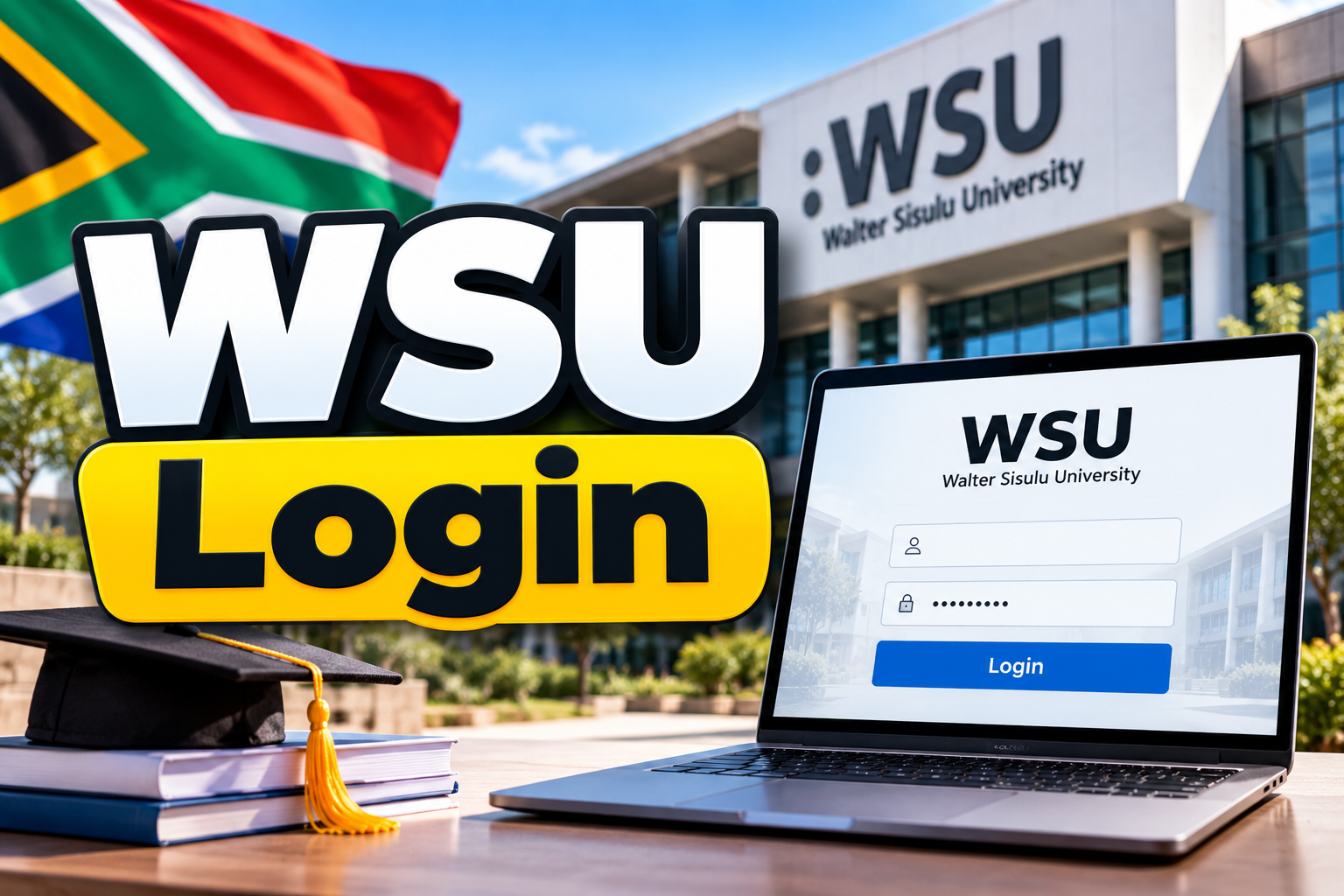
WSU Login 2026. The WSU Login portal is an important online service for students of Walter Sisulu University in South Africa. It helps students access their personal information, academic reports, examination results, fee statements and other university services. Instead of visiting a campus office for every small task, students can use the official online portal to find important information about their studies.
Students often search for WSU Login when they want to check their results, download proof of registration, view their academic records or complete online registration. However, it is important to choose the correct portal because WSU provides different online services for students, applicants, library users and staff.
This guide explains how to access the WSU Student Portal, which login details you need, how to reset a forgotten PIN and what to do if the portal does not work.
What Is WSU Login?
WSU Login refers to the online login services provided by Walter Sisulu University. These services allow registered students and other authorised users to access university information through the internet. The main Student Online Service Portal provides access to personal particulars, academic reports, results and fee statements. Students can also print certain documents, including proof of registration and fee statements. If they need an official stamped academic record, they may have to visit the relevant university office.
The university also provides an online registration system, a separate library login and an application status checking service. Each service has its own purpose, so students should use the correct link for their needs.
Official WSU Login Links
Use the following official links to reach the relevant Walter Sisulu University service.
- WSU Student Online Service Portal: https://www.wsu.ac.za/index.php/en/undergraduate-programmes/new-students/student-online-service-portal
- WSU Student Portal and iEnabler Login: https://ienabler.wsu.ac.za/pls/prodi41/w99pkg.mi_login
- WSU Application Status Check: https://status.wsu.ac.za/status/statuscheck.php
- WSU PIN Reset: https://status.wsu.ac.za/reset/index.php
- WSU Library Login: https://www.wsu.ac.za/en/library/login
- WSU Official Website: https://www.wsu.ac.za/
Always check that you are using an official WSU website before entering your student number, PIN or other personal details.
How to Login to the WSU Student Portal
Students can use the official WSU Student Portal to access services related to their university studies. Before logging in, make sure you have your student number and the correct PIN. Follow these steps to access your account.
Step 1: Open the Official WSU Login Portal
Visit the official WSU Student Portal using your browser. You can open the website on a computer, laptop, tablet or smartphone. Make sure your internet connection is working properly.
Step 2: Select the Student Login Option
The login page displays different user categories, including Student, Personnel, Other and Alumni. Select Student if you are a registered WSU student. Choosing the correct category helps you access the appropriate services.
Step 3: Enter Your Student Number
Type your WSU student number into the Student Number field. Check the number carefully before continuing. Entering an incorrect student number may stop you from accessing your account.
Step 4: Enter Your PIN
Enter your personal identification number (PIN) in the PIN field. The official login page states that the PIN must contain five numeric digits and must not start with zero. If you do not remember your PIN, use the official PIN recovery service rather than repeatedly trying random numbers.
Step 5: Click Login
After entering your student number and PIN, click the Login button. If your details are correct, the system should allow you to continue to the available student services. You can then select the relevant option, such as academic registration or other student information.
Step 6: Open the Service You Need
Once you have accessed the portal, look for the relevant menu option. Depending on the service available to your account, you may be able to view academic details, registration information or other university records. Always review the information carefully before downloading or printing a document.
WSU Login Requirements
Before accessing the student portal, prepare the following details:
- Your valid WSU student number.
- Your active five-digit numeric PIN.
- A working internet connection.
- A supported and updated web browser.
- Access to your registered email address if you need to recover your PIN.
New applicants should understand that having an application reference number is not always the same as having an active student account. If you have not registered as a student, use the application status service to check your admission progress.
How to Access the WSU Student Online Service Portal
The WSU Student Online Service Portal is designed to make important student information easier to access. It is particularly useful when you need to check your personal particulars, academic reports, results or fee statements. To access the service:
- Visit the official WSU Student Online Service Portal page.
- Select the available login link.
- Enter your student number and PIN when requested.
- Log in to your account.
- Choose the information or document you want to view.
- Download or print the available document if the system provides that option.
Remember that an online document and an officially stamped academic record may not be the same. If an employer, another institution or an official body requires a stamped record, contact the relevant WSU office to confirm the process.
How to Check WSU Results Online
Students often use WSU Login to check their examination results and academic progress. The online service can provide access to results and academic reports, depending on what has been released and made available to the student. Follow these steps:
- Open the official WSU Student Portal.
- Log in using your student number and PIN.
- Find the results or academic reports section.
- Select the relevant academic period or available result option.
- Review your marks and other displayed academic information.
- Save or print the information if the system allows it.
What If Your WSU Results Are Not Showing?
There may be several reasons why your results are not available.
- The university has not released the results yet.
- Your account details are incorrect.
- You are checking the wrong academic period.
- The portal is experiencing a technical problem.
- Your results require further processing or confirmation.
If your results remain unavailable, contact the university through its official contact channels. Do not assume that missing results automatically mean you have failed a subject.
How to Download WSU Academic Reports and Fee Statements
The Student Online Service Portal can help students access certain academic and financial documents without visiting a campus office.
Academic Reports
Academic reports help students review information about their studies. Log in to the portal and look for the available academic report options. Check your name, student number, qualification and other displayed details before saving the document.
Proof of Registration
Proof of registration may be needed when applying for student accommodation, dealing with a funding provider or confirming your student status.
To obtain it, log in to the appropriate WSU service and look for the registration or proof-of-registration option. The document will only be available if your registration has been processed and the system provides access to it.
Fee Statements
Students can use the relevant student service to view or print available fee statements. Review the displayed amounts and contact the university if you notice an error or need clarification about a payment. Remember that access to a fee statement does not necessarily mean that your account has been financially cleared for registration.
How to Reset a Forgotten WSU PIN
Forgetting your PIN can prevent you from accessing the WSU Student Portal. Fortunately, the university provides an online PIN recovery facility.
Follow these steps to recover your PIN.
- Open the official WSU PIN Reset page.
- Enter the information requested by the recovery form.
- You may be asked for your student number, ID or passport number and full name.
- Check the details carefully before submitting them.
- Follow the instructions displayed by the system.
- If the information matches the university’s records, the system may display your PIN or provide the available recovery instructions.
The exact information requested may depend on the recovery process currently available on the website.
What If PIN Recovery Does Not Work?
If you cannot recover your PIN, check that you have entered the correct personal details. Make sure your name and identification details match the records held by WSU. If the problem continues, contact the university for assistance. Never share your PIN with another person or send it through an untrusted website.
How to Check Your WSU Application Status
The WSU Application Status Check is different from the login service used by registered students. It helps applicants check the progress of their applications.
If you have applied to Walter Sisulu University but are not yet registered, you should start with the official application status service. Follow these steps:
- Visit the WSU Application Status Check website.
- Enter the requested application information, such as your reference number or identification details, according to the fields shown.
- Check the information for errors.
- Submit the details.
- Review the status displayed on the screen.
- Follow any instructions provided by the university.
If you have forgotten your application reference number or cannot find your status, contact WSU directly.

Can Applicants Use the Student Login Portal?
Not every applicant can immediately use all student services. The student portal is intended for authorised users with the required login details. An applicant may need to check their application status first and follow the university’s instructions for admission and registration.
Do not confuse an application status with final admission or completed registration. Read the status carefully and follow the next steps provided by WSU.
WSU Library Login: Access Research and Study Resources
Walter Sisulu University also provides an online library login for library-related services. This service is separate from the main student portal.
Students and other authorised library users may need to log in to access electronic library resources, research tools or other services made available by the university. To access the library login:
- Visit the official WSU Library Login page.
- Enter your username and password in the displayed fields.
- Click Log in.
- If you cannot access your account, use the available username or password recovery options.
- Contact the library if you need help with access to a resource.
Your library credentials may differ from the student number and PIN used by the main Student Portal. If your student login does not work on the library website, check the library’s own instructions.
Common WSU Login Problems and Solutions
Students may sometimes experience difficulties when accessing online university services. The following checks can help you identify common problems.
1. Incorrect Student Number
Check that you have entered your student number correctly. Avoid adding unnecessary spaces or using an application reference number in place of your student number.
2. Incorrect PIN
Make sure you are entering the correct five-digit numeric PIN. If you have forgotten it, use the official recovery page.
3. Forgotten Student Number
If you cannot remember your student number, visit the official WSU website and look for the student number recovery or admission support options. You can also contact the university for guidance.
4. Website Not Opening
Try the following steps:
- Check your internet connection.
- Refresh the page.
- Open the portal in another updated browser.
- Clear the browser cache if the page keeps loading incorrectly.
- Try again later if the service appears temporarily unavailable.
5. Account or Registration Restrictions
A successful login does not always mean that every university service is available. Registration may be affected by admission requirements, financial clearance, academic restrictions or other university rules. Review any message displayed on the portal and contact the relevant department if you need help.
6. Results or Documents Missing
Confirm that the relevant information has been released or processed. If the information is still missing, ask the university which department handles that service.
7. PIN Recovery Email Not Received
Check your email inbox and spam folder if the recovery process sends instructions by email. If the message does not arrive, confirm that the university has your correct email address and request assistance through an official channel.
Tips for Keeping Your WSU Account Safe
Your student account may contain personal and academic information, so protecting your login details is important. Follow these basic safety tips:
- Use the official WSU website and verified university links.
- Keep your PIN private.
- Do not enter your student details on unfamiliar websites.
- Avoid saving login details on public computers.
- Log out after using the portal on a shared device.
- Keep access to your registered email account secure.
- Contact WSU if you suspect that someone else has accessed your account.
The university will not need you to publish your PIN on social media or share it with an unknown person to solve a login problem.
WSU Contact Details for Login Support
If you cannot access the portal or need help with your student account, contact Walter Sisulu University through its official communication channels.
| Campus | Contact Number |
|---|---|
| Mthatha Campus | 047 502 2100 |
| Butterworth Campus | 047 401 6000 |
| East London Campus | 043 702 9200 |
| Potsdam Campus | 043 708 5200 |
| Chiselhurst Campus | 043 709 4000 |
General enquiries email: [email protected]
Official website: https://www.wsu.ac.za/
When contacting the university, explain the problem clearly. Include your name and relevant student or application details when requested through an appropriate official channel. Never include your PIN in a public message.
FAQs About WSU Login
What is the official WSU Login website?
The official student login system is available at https://ienabler.wsu.ac.za/pls/prodi41/w99pkg.mi_login. You can also visit the WSU website to find the Student Online Service Portal.
What information do I need to log in to WSU?
Registered students generally need their student number and PIN. The official login page specifies a five-digit numeric PIN that must not start with zero.
How can I check my WSU results online?
Open the official student portal, enter your student number and PIN, and look for the available results or academic reports section. Results may not appear until the university releases them.
How do I reset my WSU PIN?
Visit https://status.wsu.ac.za/reset/index.php and follow the recovery instructions. Enter the information requested by the system and contact WSU if you cannot recover your PIN.
Can I check my WSU application status online?
Yes. Use the official application status page at https://status.wsu.ac.za/status/statuscheck.php and enter the information requested by the system.
Can I download my WSU fee statement?
The Student Online Service Portal provides access to available fee statements. Log in and look for the relevant document option. Contact the university if you need help understanding the statement.
Is WSU Library Login the same as Student Portal Login?
No. The library has a separate login page. Use the credentials and recovery instructions provided for the library service.
What should I do if my WSU account is not working?
Check your student number and PIN, try the official PIN recovery facility and confirm that the website is working. If the problem continues, contact WSU for support.
Can I use WSU Login on my phone?
You can try accessing the official portal through a web browser on your smartphone, provided you have an internet connection. Some services may be easier to use on a computer.
Can I print my academic records from the WSU portal?
The university allows students to print certain reports, including proof of registration and fee statements. An official stamped academic record may require a visit to the office responsible for that service.
Conclusion
WSU Login makes it easier for Walter Sisulu University students to access important academic information online. Through the Student Online Service Portal, students can check available results, review personal particulars, access academic reports and obtain fee statements. To avoid login problems, always use the correct official portal and keep your student number and PIN ready. If you forget your PIN, use the university’s recovery service instead of guessing your login details. Applicants should use the application status checking service, while students looking for electronic research resources should visit the separate WSU Library Login page.